
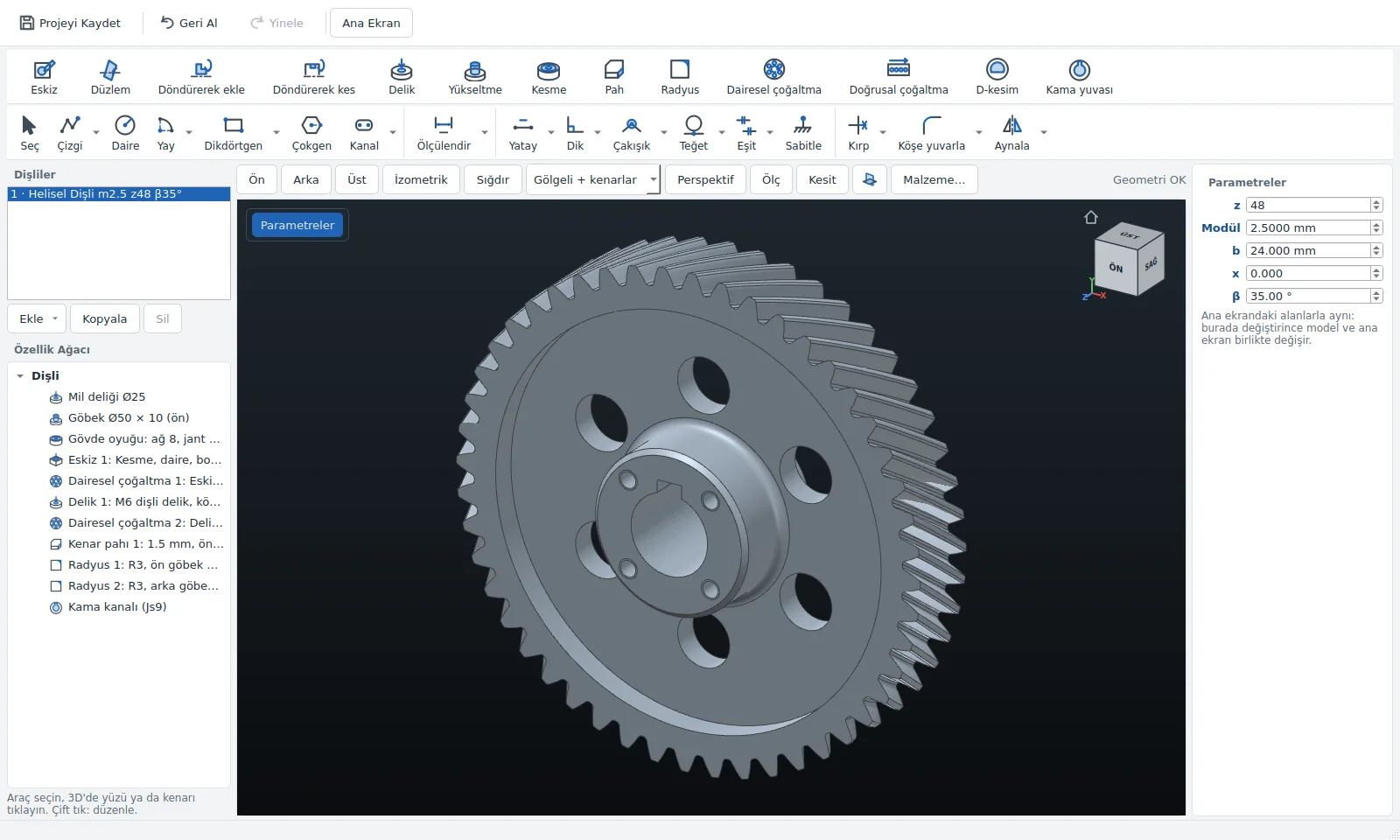
3D design
Cut and boss from sketch, hole (M3–M24), chamfer, fillet, pattern; hub, keyway, set screw by entering dimensions.

Enter the module, number of teeth and face width. The program calculates the profile, flags likely problems and suggests fixes; it models the body in 3D and exports it to a technical drawing and STEP.
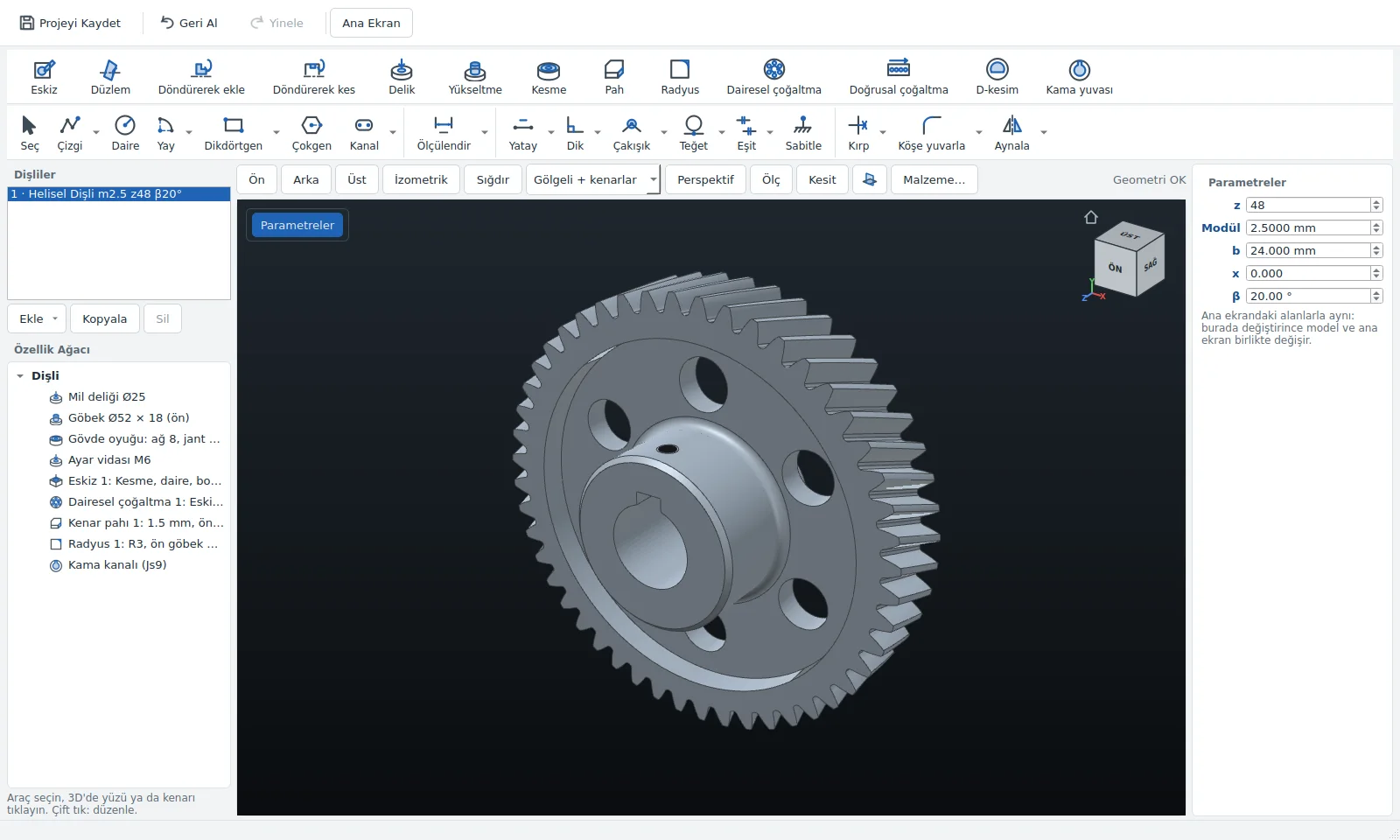
All of the parts below come from the program's 3D Design window; calculate the gear, model its body, export it as STEP.
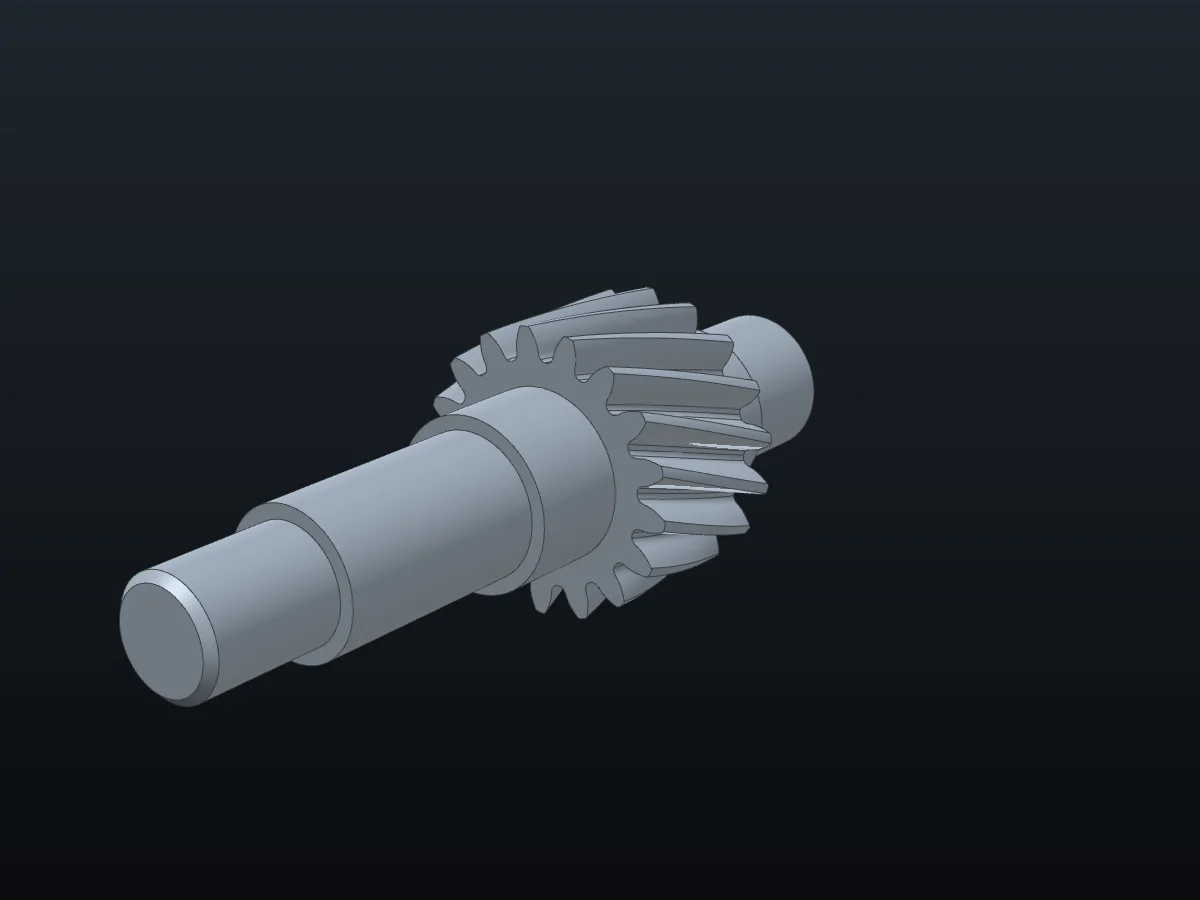
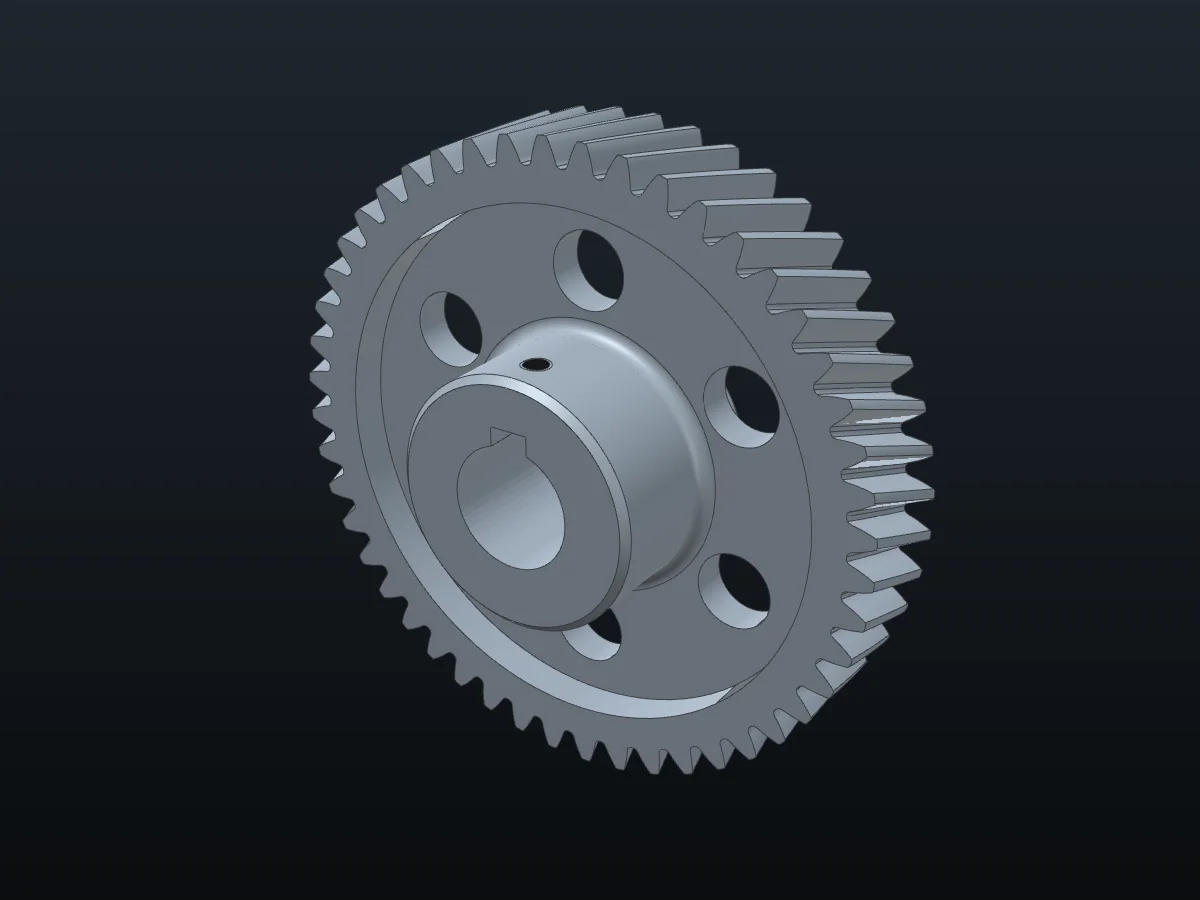
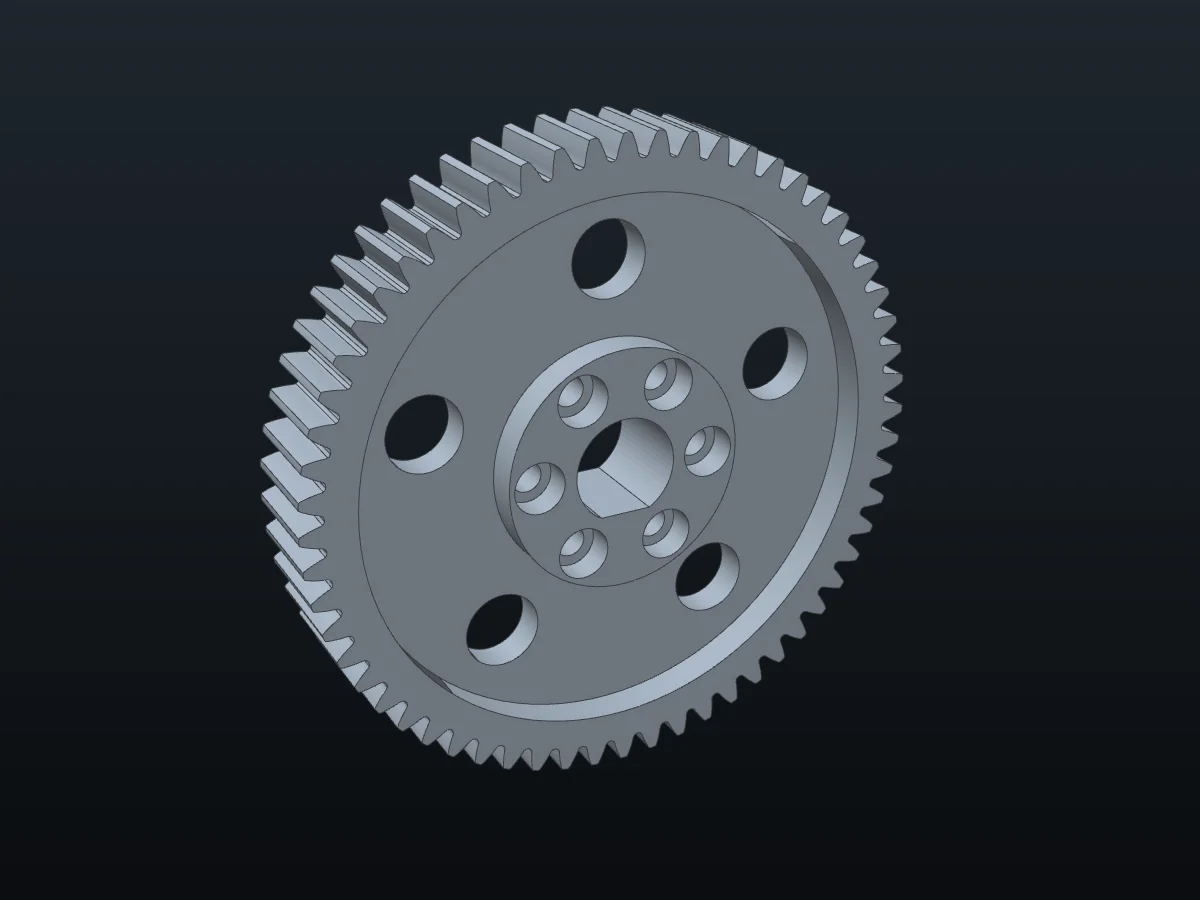
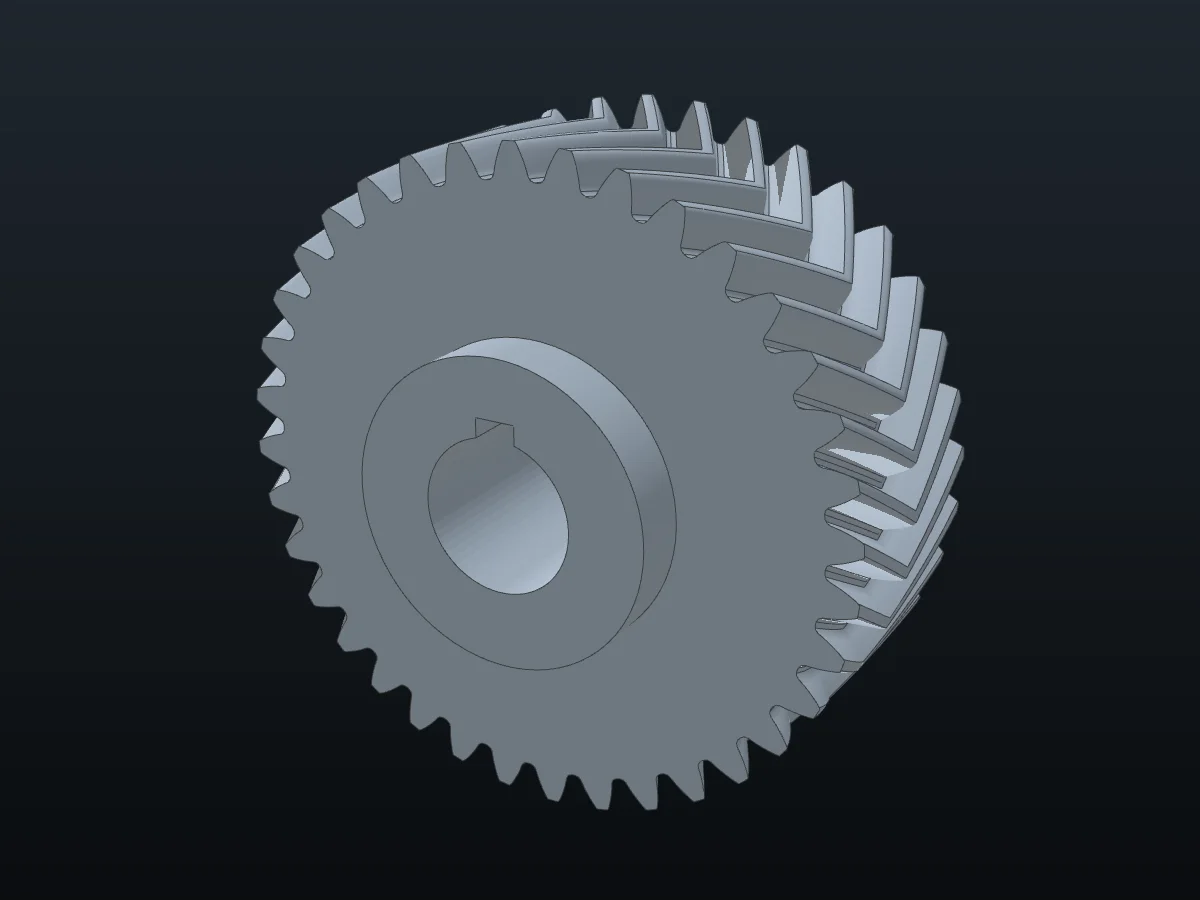
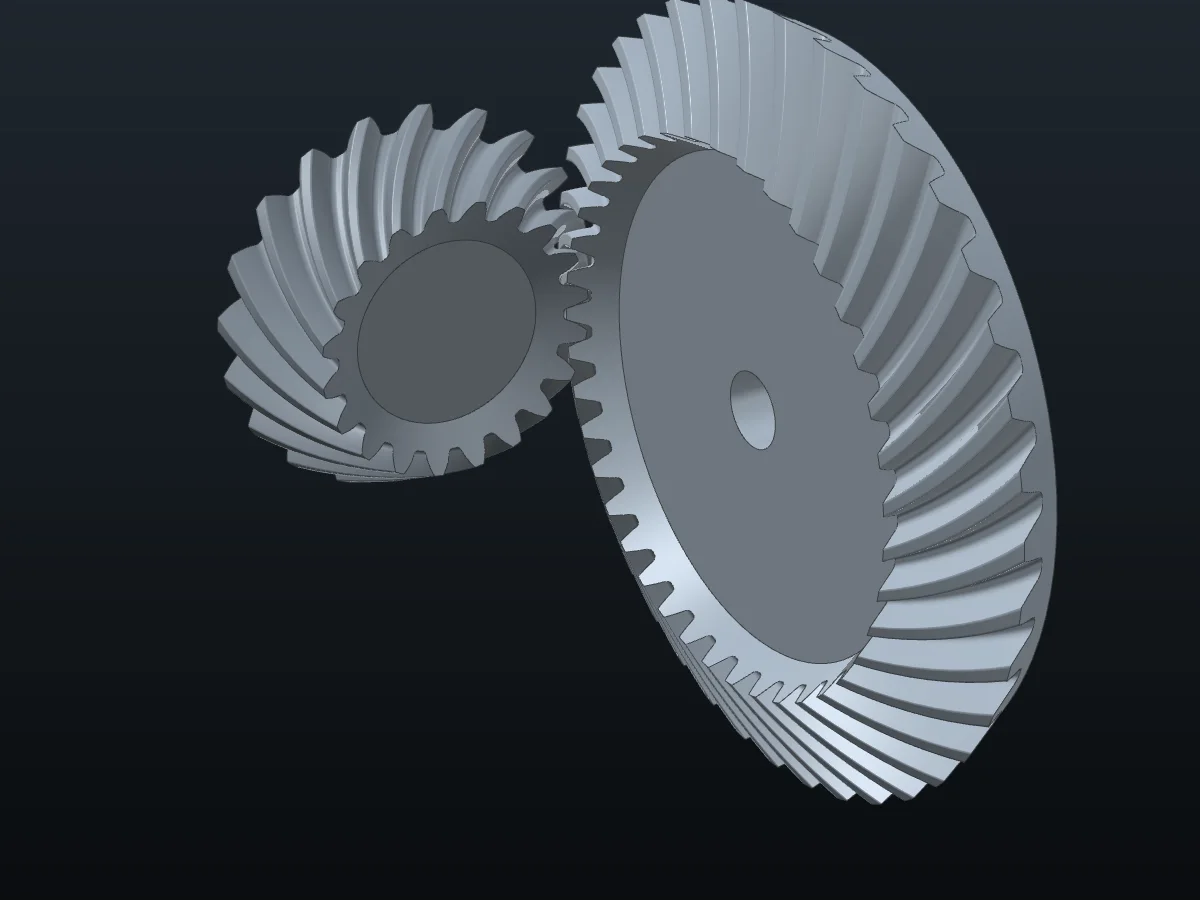
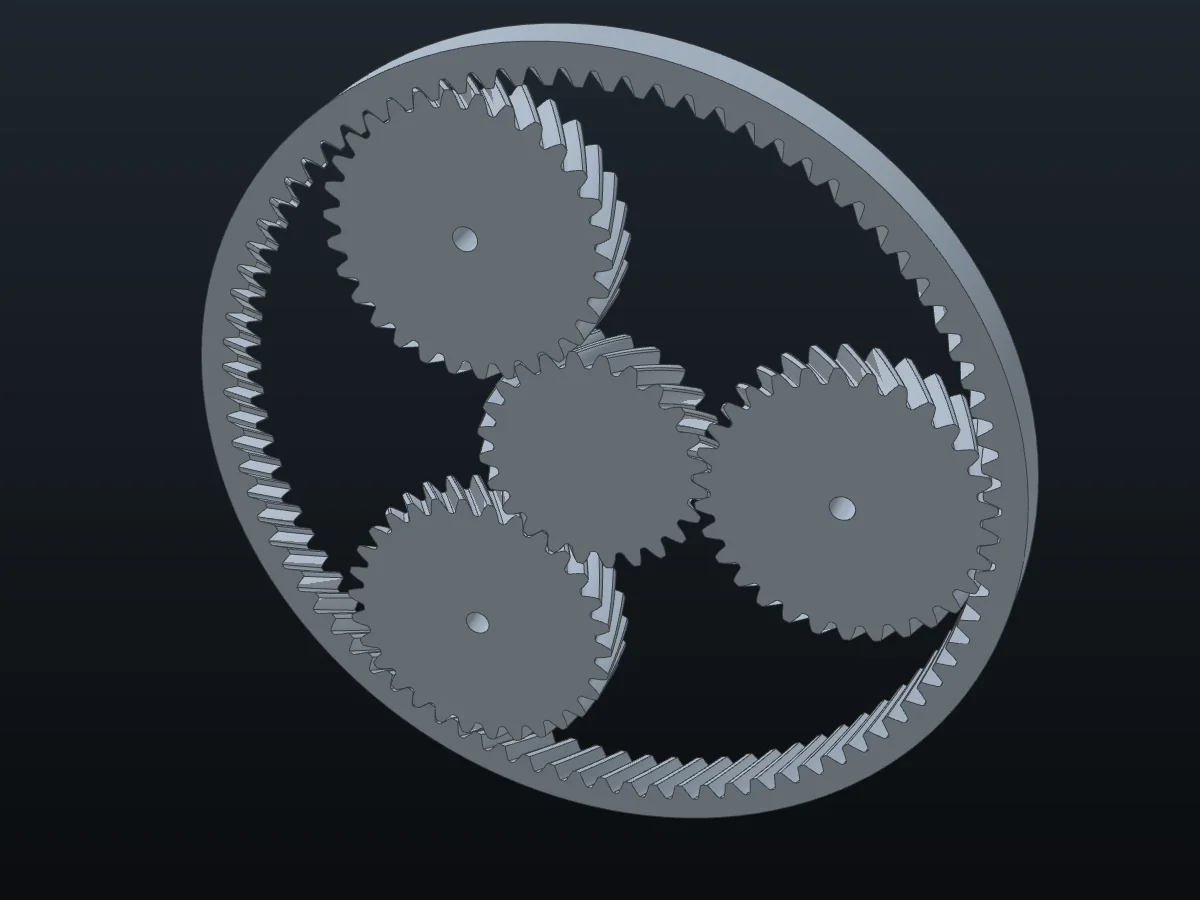
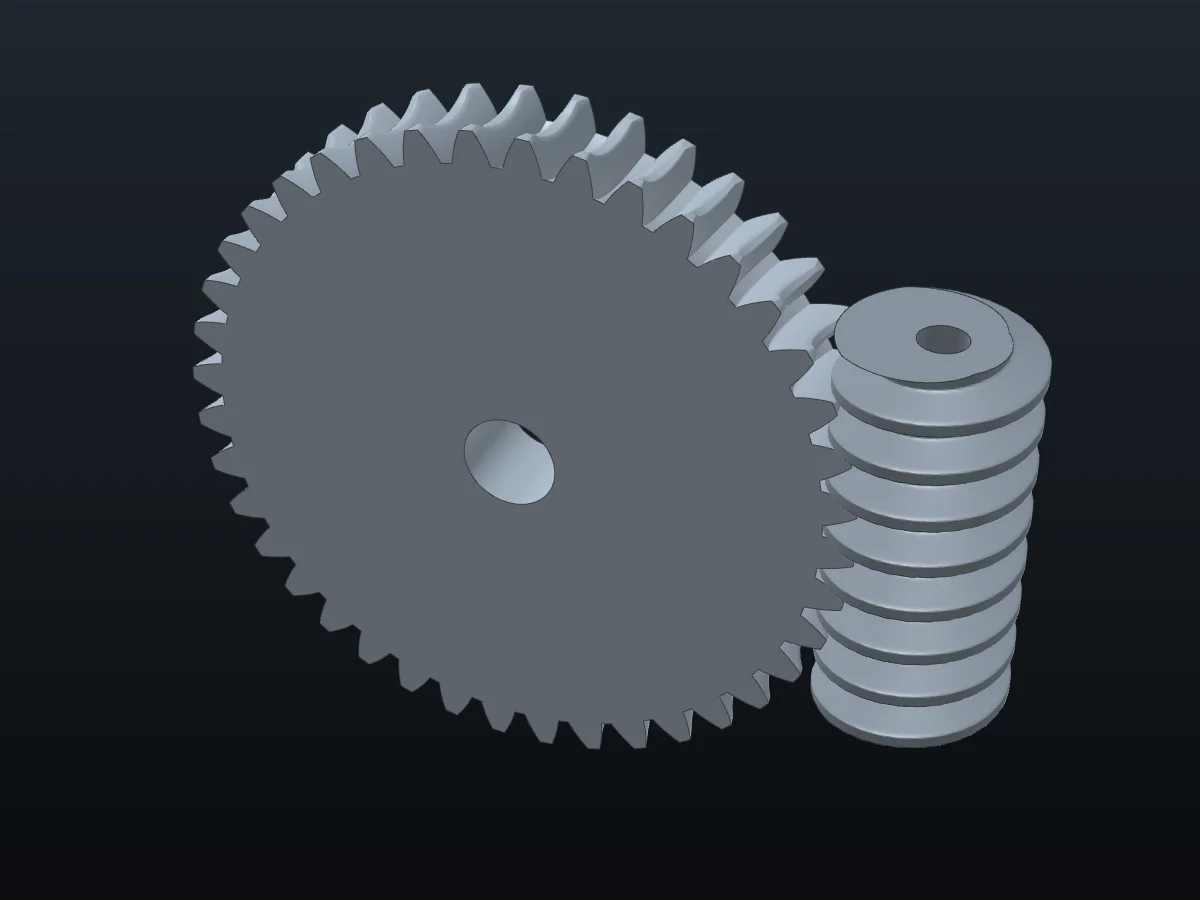
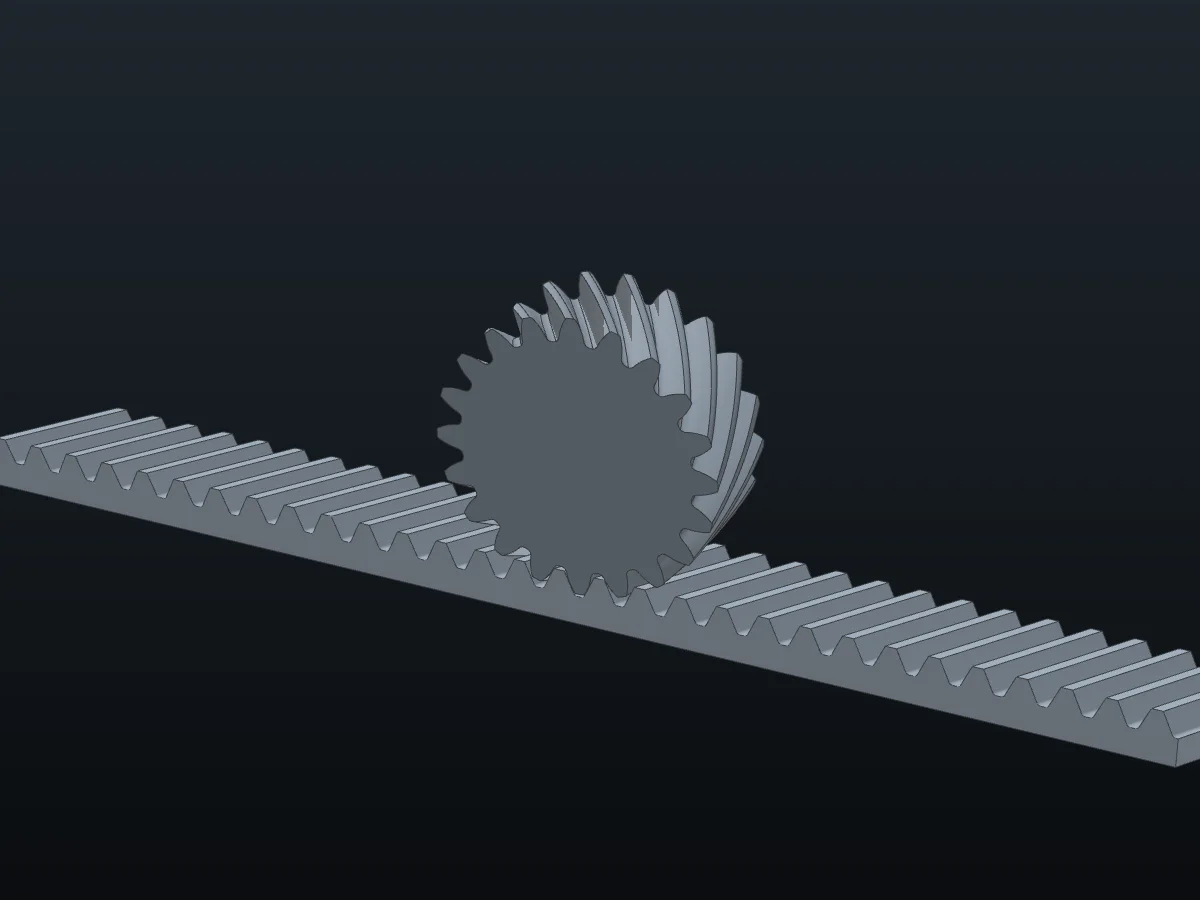
Recorded from the program's own screen; no sound. On-screen text is in Turkish.
The pair below is drawn with the involute calculation and checked against the program's rules. Drag the pinion below 17 teeth: an undercut warning and a suggested fix appear.
Try it: drag the pinion below 17 teeth.
Below the preview the program states the design's status: fit for production, warning or production blocker. Show takes you to the field concerned, Fix applies the suggested value; review it before applying.
Cut and boss from sketch, hole (M3–M24), chamfer, fillet, pattern; hub, keyway, set screw by entering dimensions.
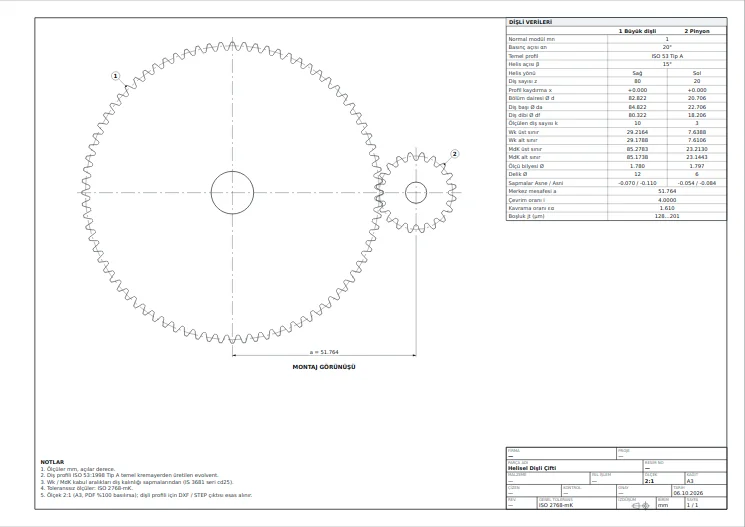
Sheet with data table; tool, infeed depth and Wk acceptance range for the operator on one page.
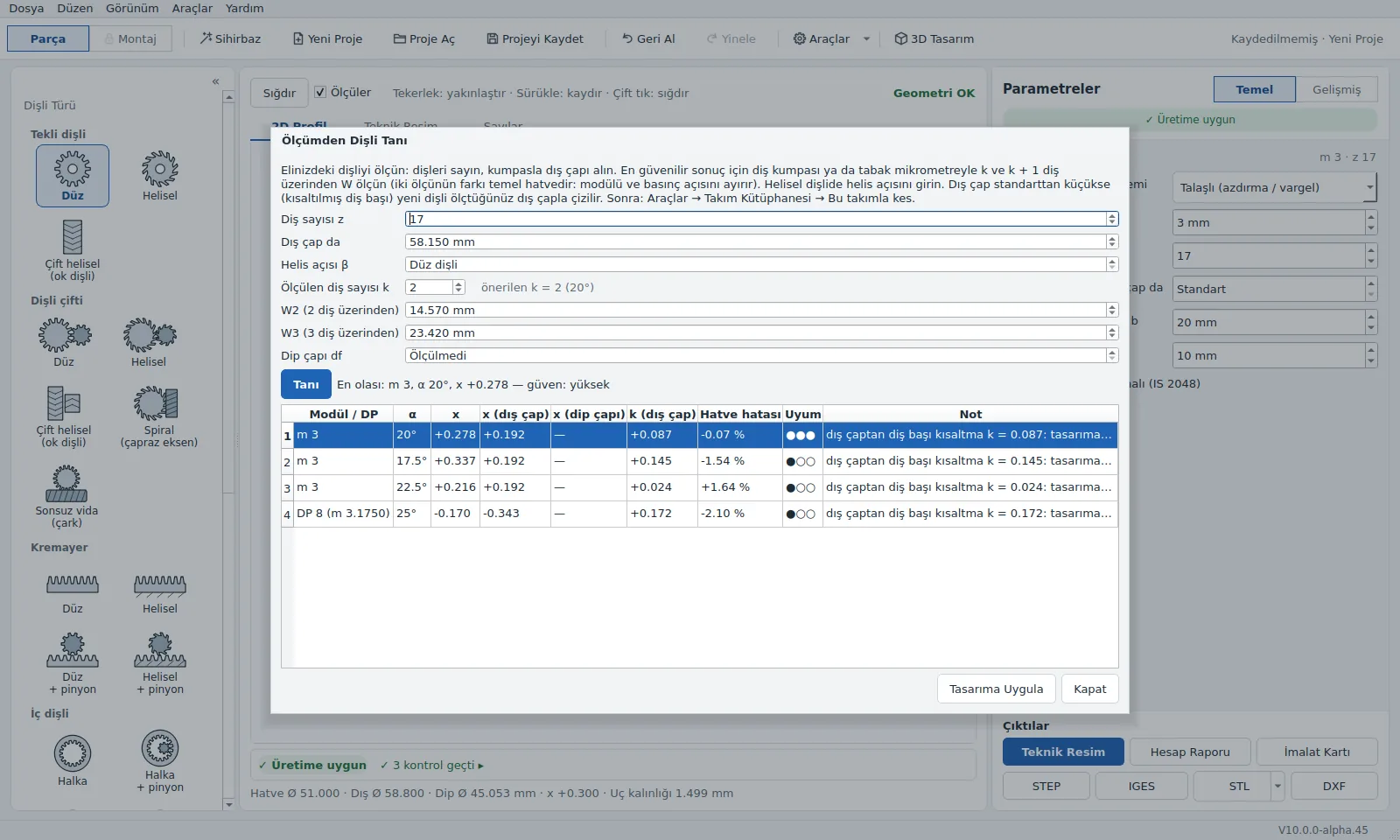
Module and profile shift candidates from the tooth count, tip diameter and W measurement; Cut with this tool.
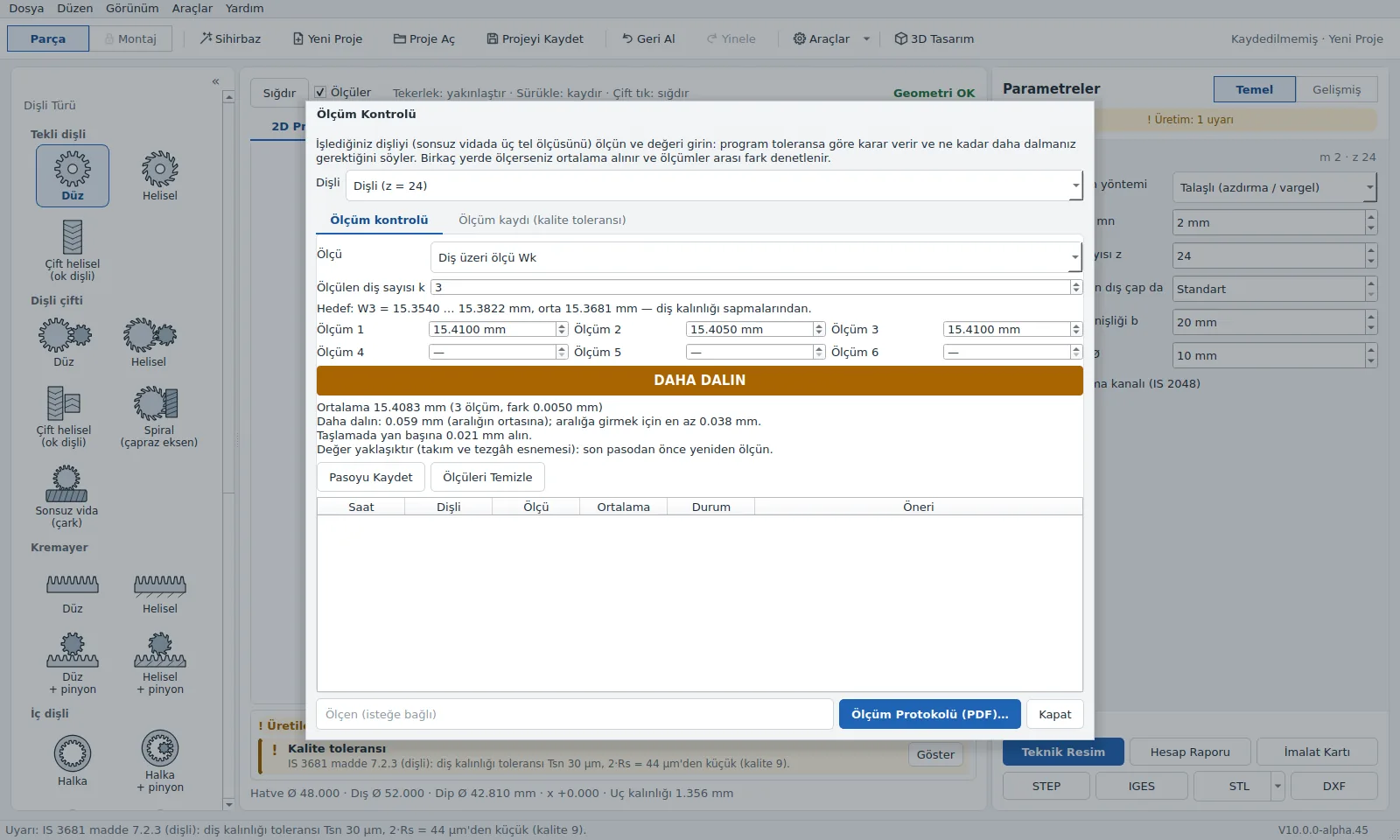
Compares the Wk or MdK measurement with the tolerance while machining and shows how much deeper to cut.
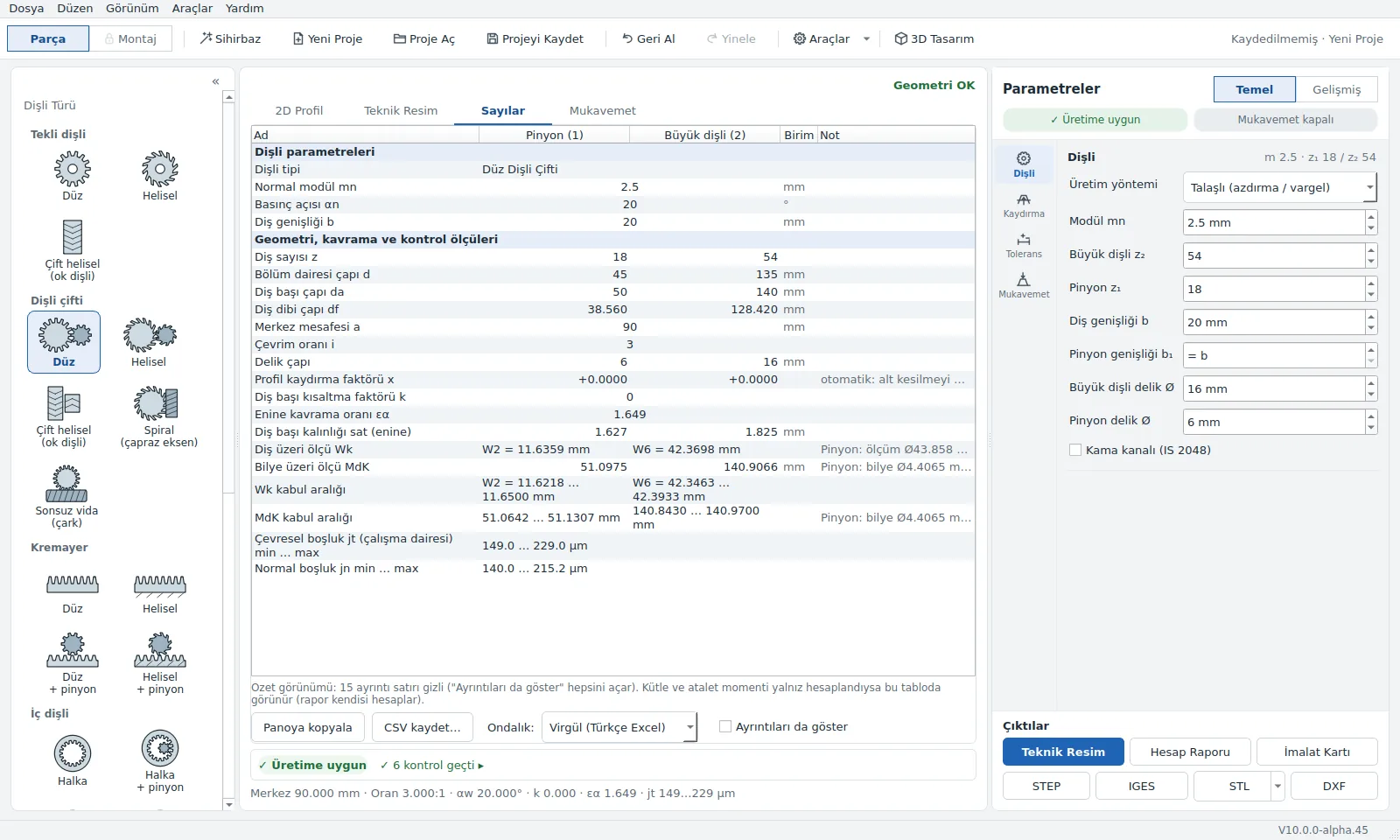
Main figures for pinion and gear side by side; paste into Excel, save as CSV.
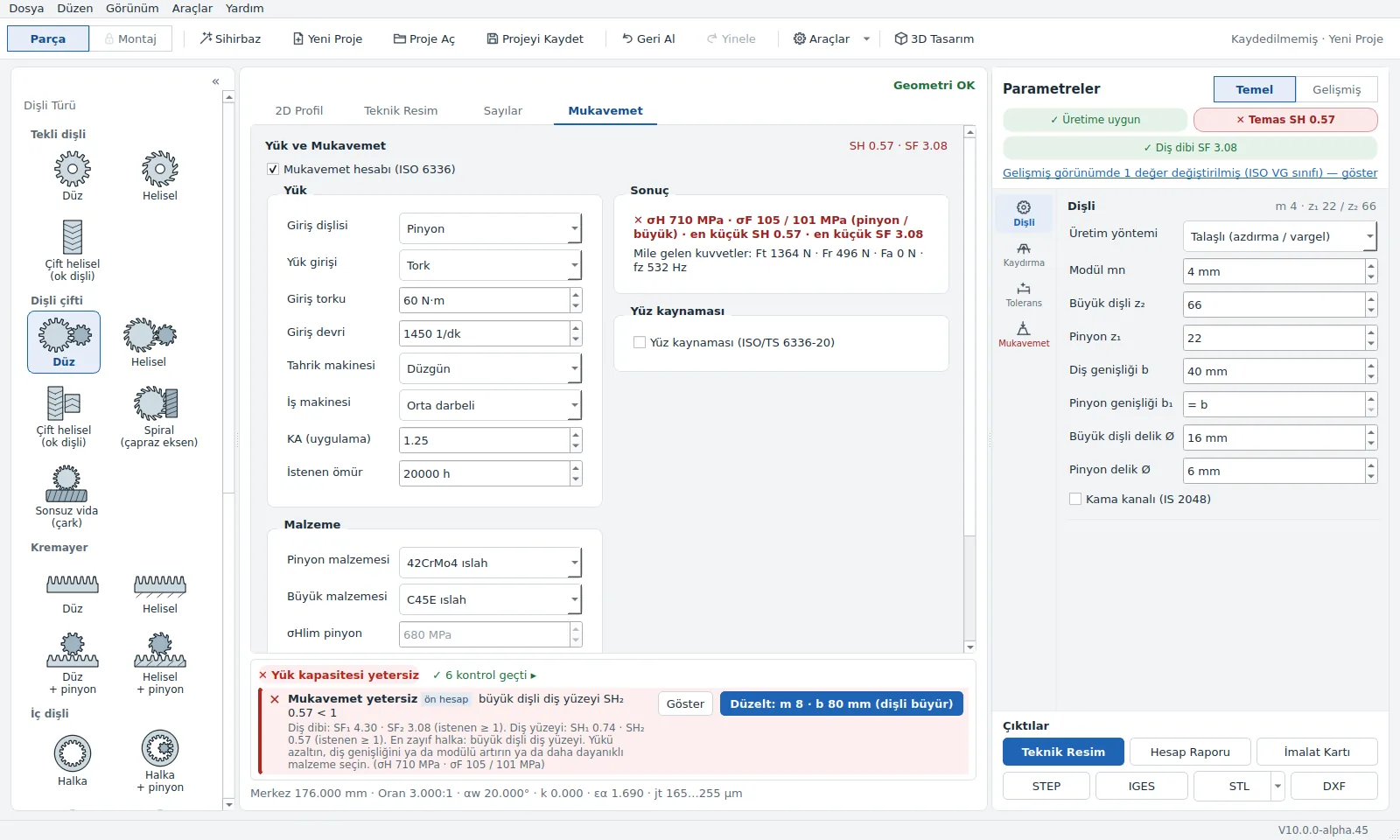
Flank and root safety, forces; for selected users during the beta. The result is a preliminary screening.
All four are free, no sign-up. The calculator uses the same formulas as the program's calculation core.
Spur, helical, internal, bevel, planetary gears and chain sprockets, rack, worm gear: enter the module and tooth count, see the diameters and formulas instantly. Download the technical drawing as DXF, SVG, PDF and the gear as STL for free.
Which method each calculation is compared against; how many items are verified, how many partial, how many not yet.
Questions asked in the workshop, with measurements and examples. First article: how do you find a gear's module?
From first launch to the shop card: which menu, which button, when.
On every installation all modules except Strength are unlocked for the first 30 days; during the beta Strength is unlocked for selected users with a separate key, on other installations its tab appears locked. After 30 days the program continues as the free edition and your project files are not deleted. Function modules work with every gear type you own. A license is tied to one computer and is verified offline.
How many items are verified, partial or not yet done is listed on the verification page.
It is calculated with ISO 6336 methods; the application factor (KA) is your input. Some factors are still taken as 1, and a numerical comparison with the standard's worked examples has not been done yet. The program does not guarantee load capacity; verify the calculation separately for critical parts.
Windows 10 and 11, 64-bit. Installation needs no administrator rights; there is also a portable zip version that needs no installation. There is no macOS or Linux version for now.
No. The program and the license work offline. If there is a connection, it checks once a day for a new version; this can be turned off in Settings.
No. Project files stay only on your computer. The program uses no cookies, analytics or advertising tools.
Help → Check for Updates. The program downloads the new version, verifies its signature and installs it; settings and projects are not deleted. We still recommend backing up important projects.
The license key is tied to one computer. When you change computers, write to us and we will issue a key for the new machine code.
In most cases, yes. Enter the tooth count, the tip diameter and the span measurement W over k and k + 1 teeth: Tools → Identify Gear from Measurements lists likely candidates for module and profile shift; compare the candidate you pick with the old part. In the Tool Library, pick the tool in your workshop and click Cut with this tool; the tool's dimensions are written into the design.
To show the beta terms of use and the KVKK privacy notice. Once you have read and ticked both you continue; you can read them again later under Help → Privacy and KVKK. In the same window you turn the update check on or off.
The interface is in Turkish. An English interface is in the trial stage and can be turned on in Settings.
Fill in the form and the download link comes to your email. No card details are asked for.